Part 1: Install Adobe Creative Cloud
Download Installer
Go to the official Adobe Creative Cloud download page:
Download Creative Cloud (Official)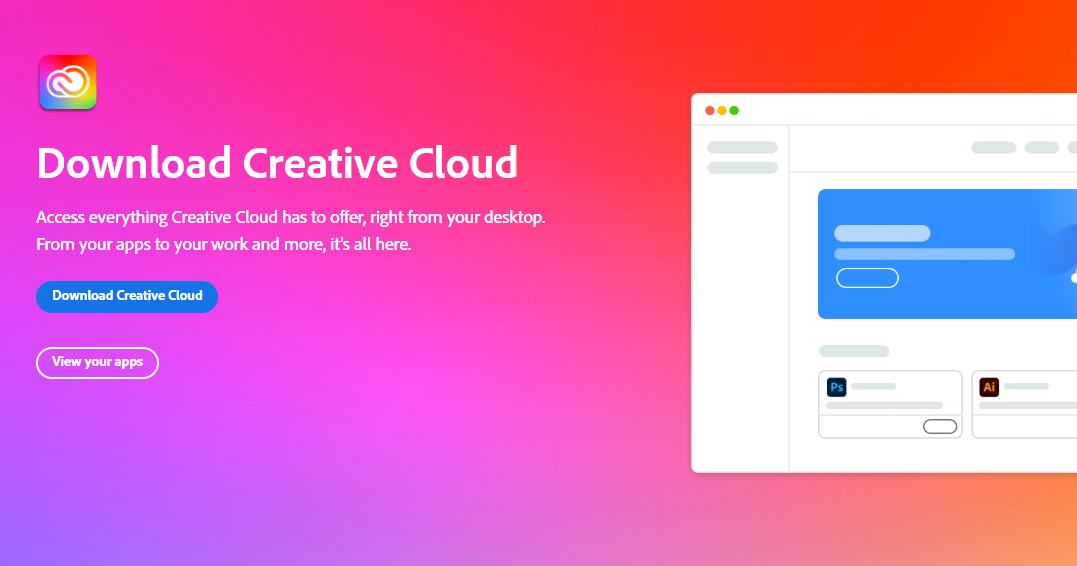
Install Creative Cloud
Click Download Creative Cloud,
run the installer, and follow the on-screen instructions.
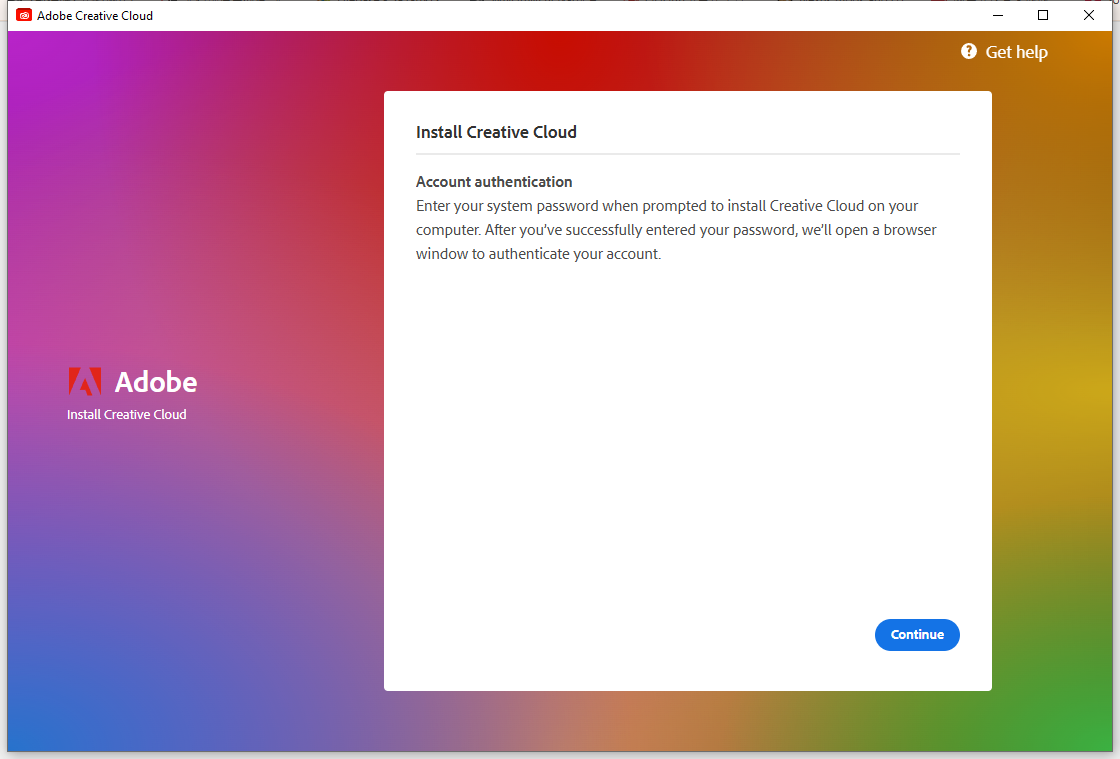
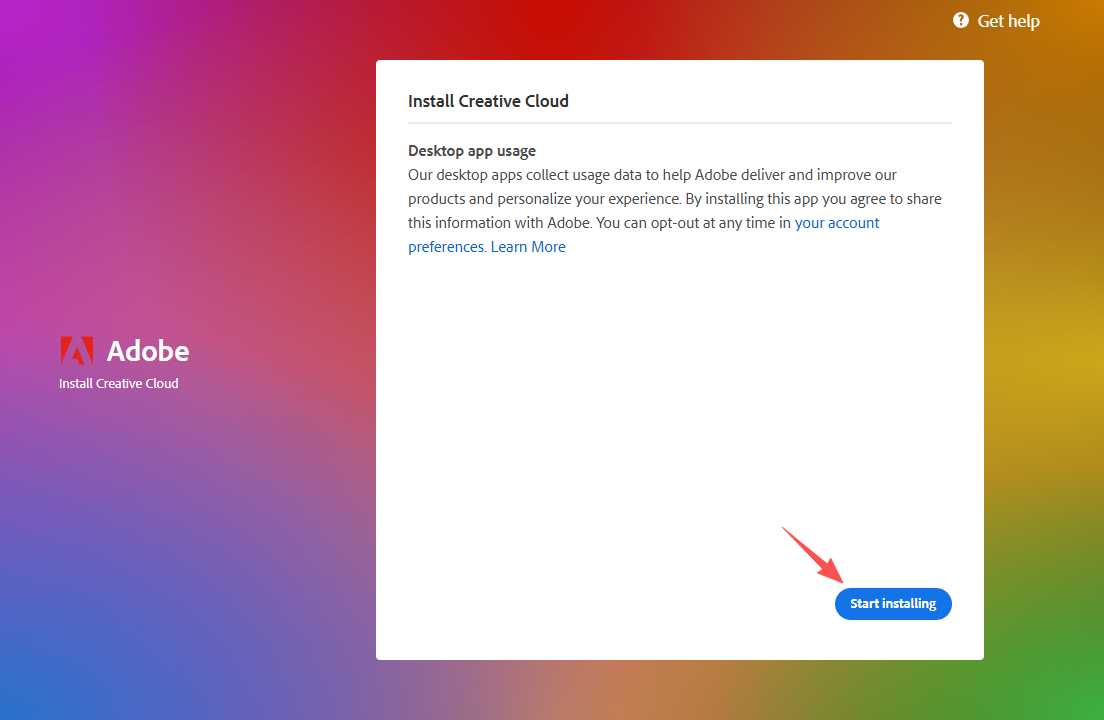
After installation, the Creative Cloud Desktop App will open automatically.
Part 2: Join a Team Account
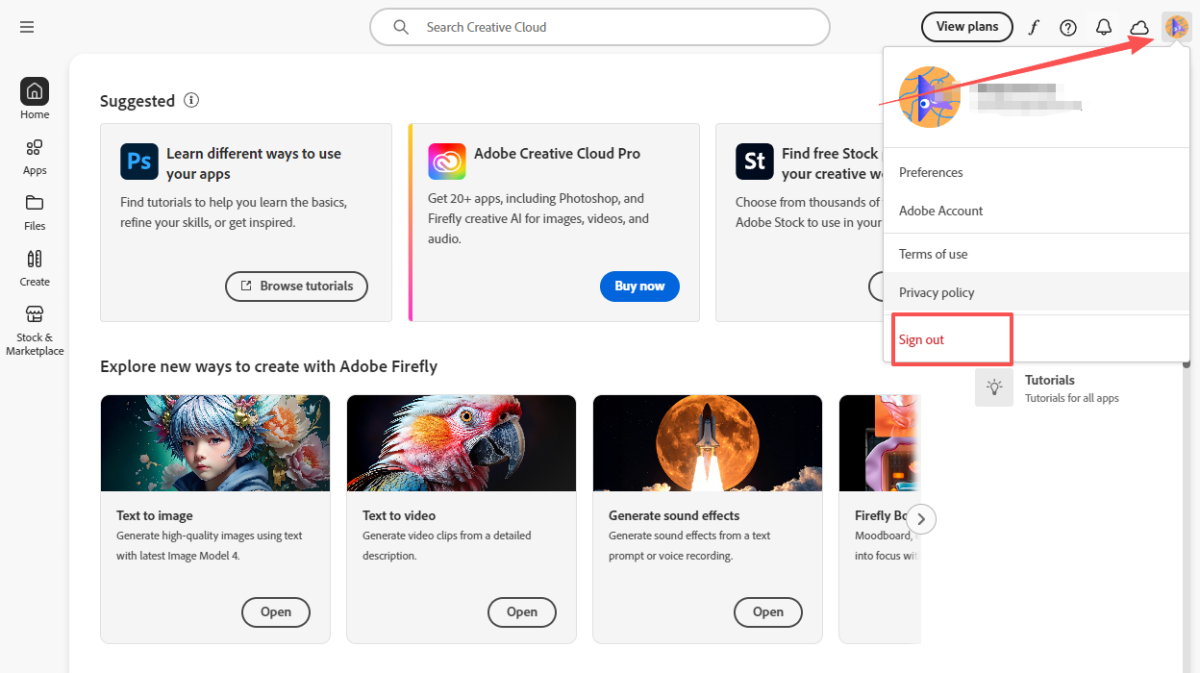
Sign Out First
Click your profile avatar (top-right corner) → Sign out.
Sign In & Join Team
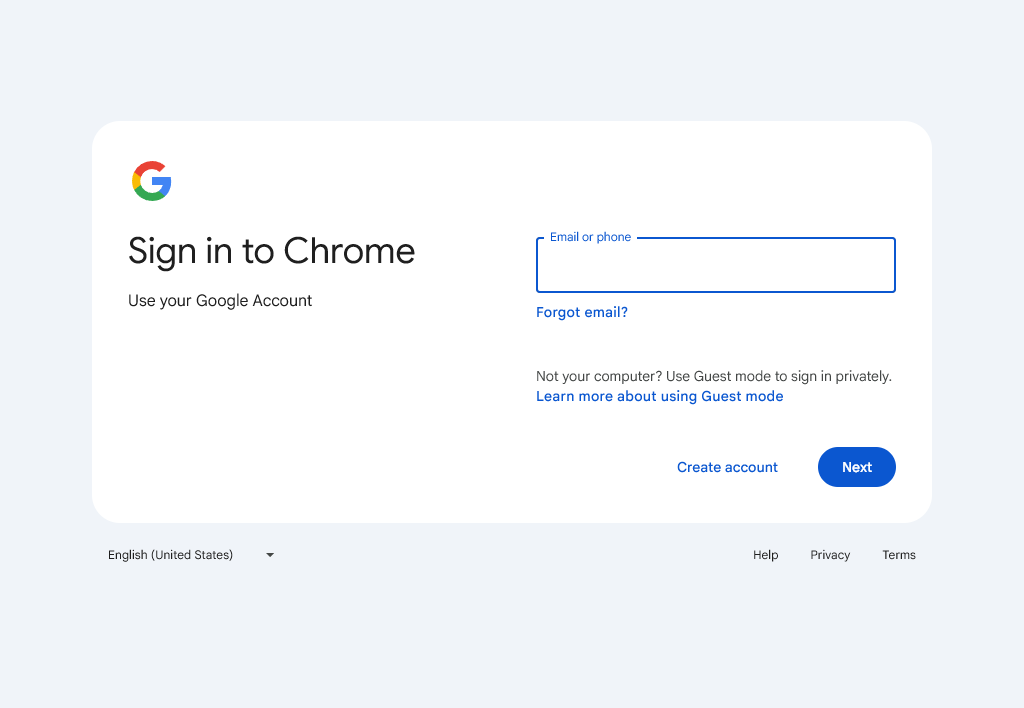
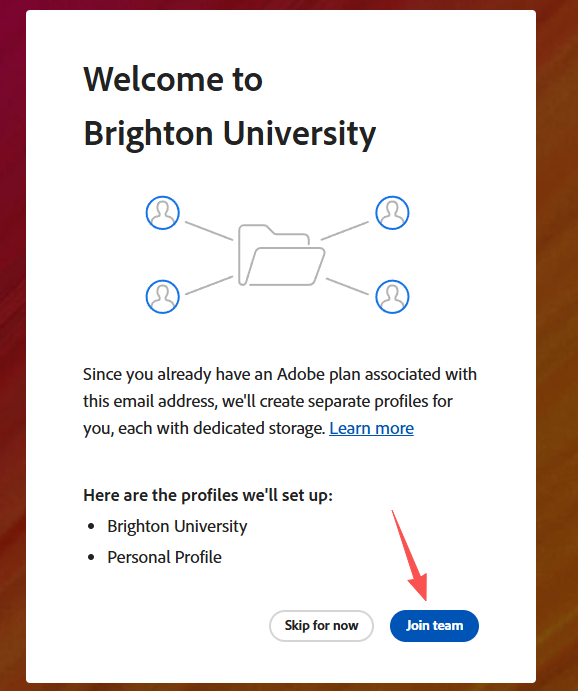
Sign in again with your email and password,
then click Join Team when prompted.
Choose Storage Option
When asked about file storage, select:
Keep files in Personal Storage
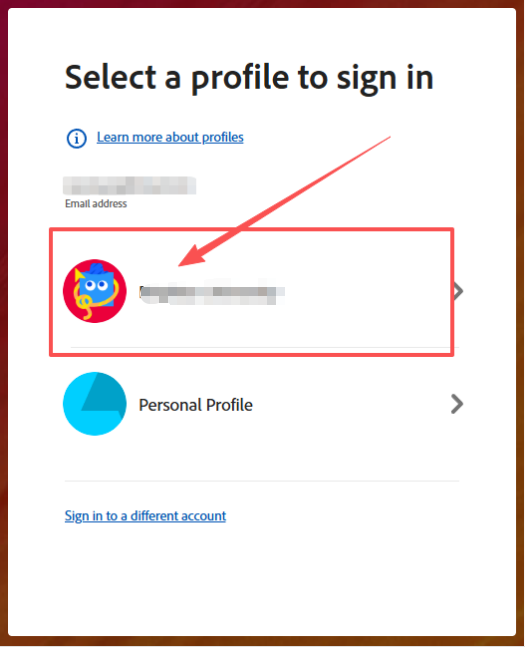
Select Team Profile
Choose the Team profile to activate the team license.
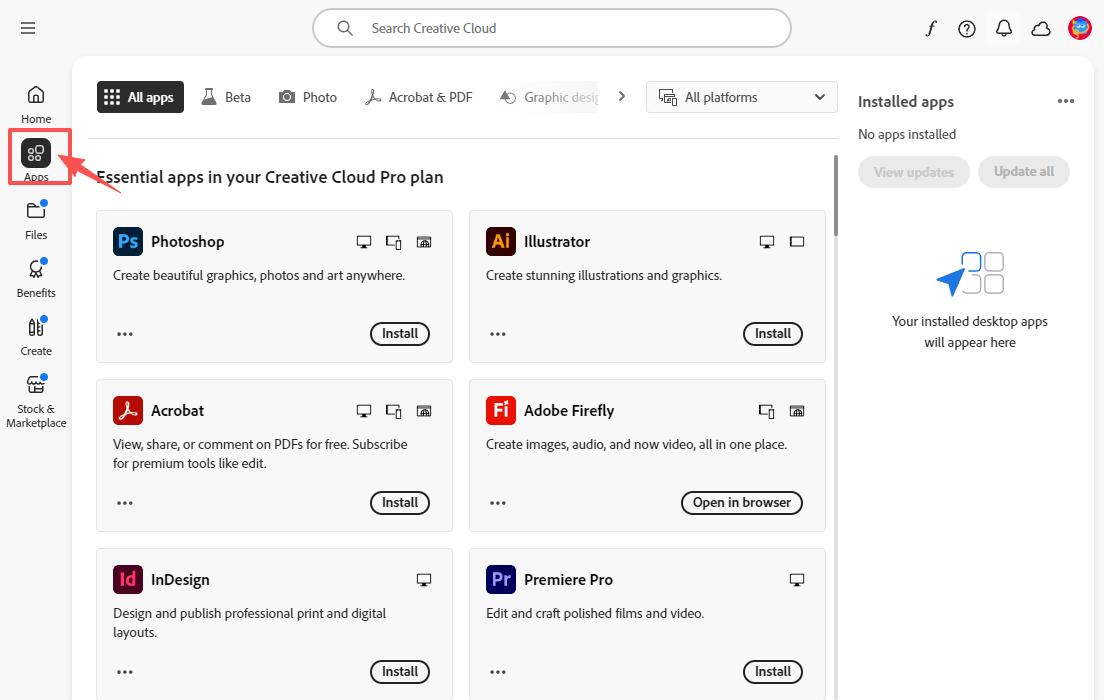
You can now see authorized apps in the left-side menu.
Part 3: Add Secondary Email
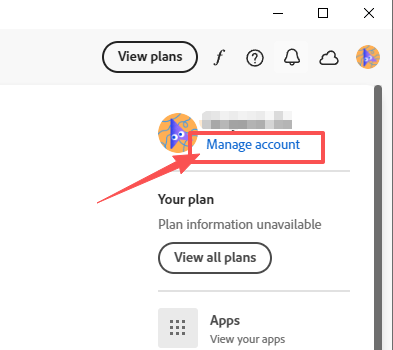
Manage Account
Click Manage Account in the top-right corner.
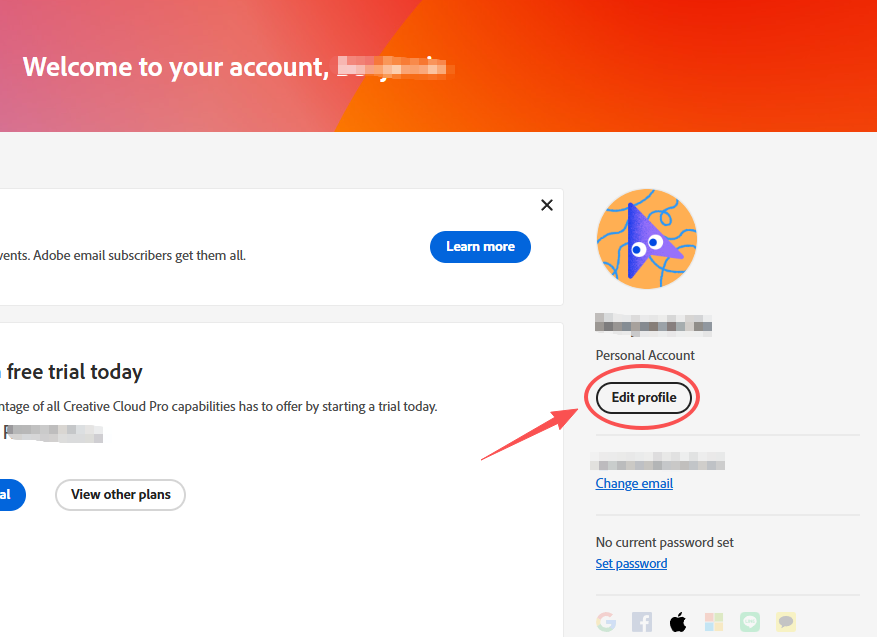
Edit Account
Click Edit account.
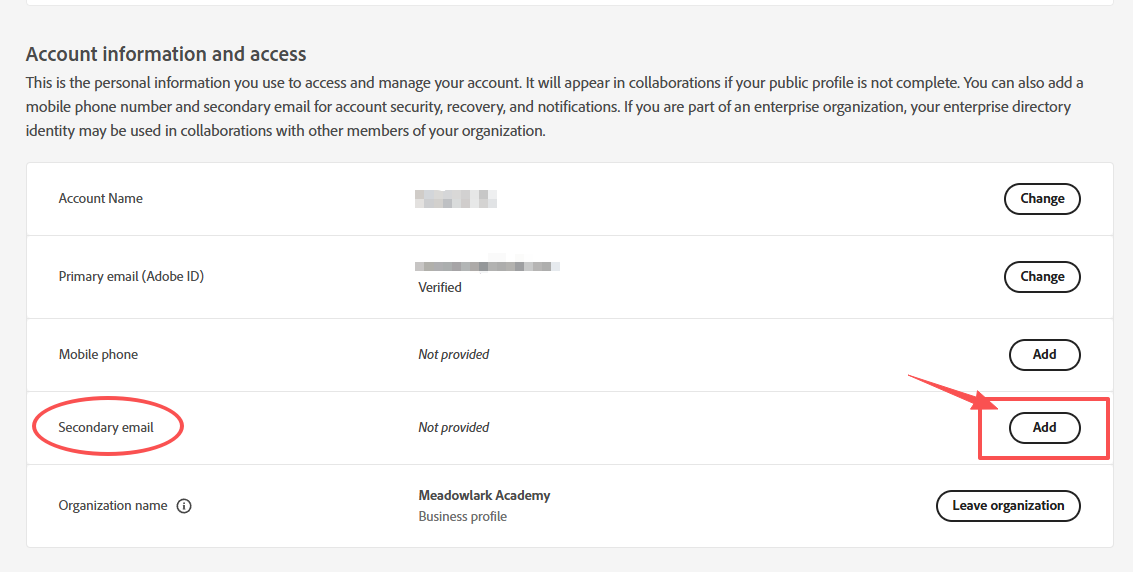
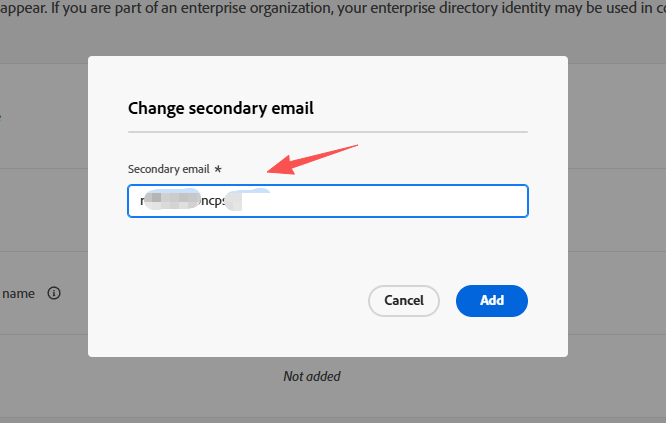
Add Secondary Email
Add the secondary email provided by customer service.
Email Verification
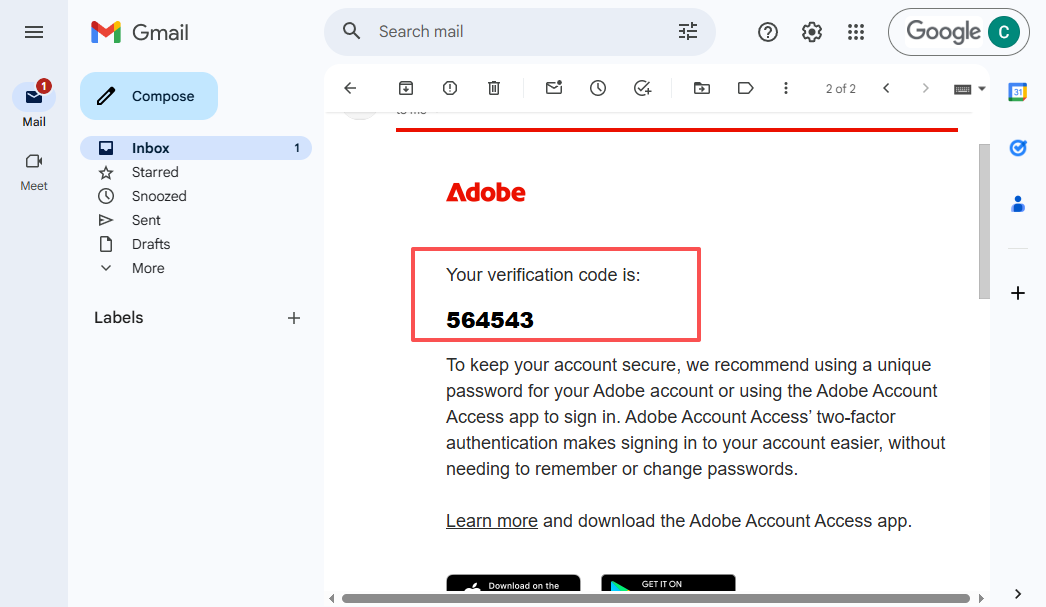
Log in to Gmail using the account provided by customer service,
retrieve the verification code, and confirm it.