
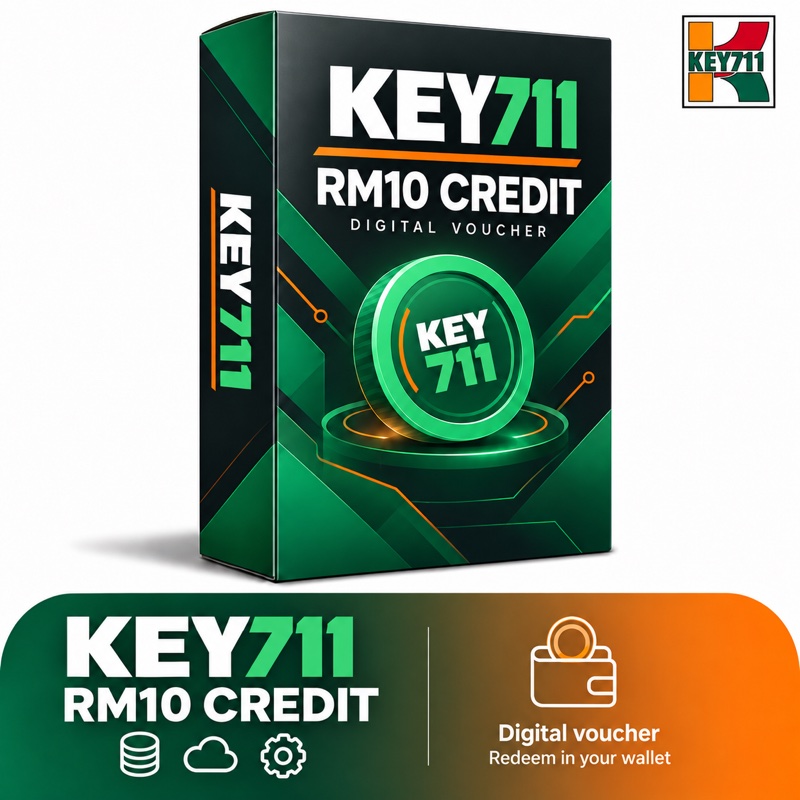
KEY711 Credit Voucher – RM10
RM10.00
Digital voucher for RM10 KEY711 wallet credit. Your redemption code is delivered after payment is confirmed.
98 in stock
Each purchased voucher supplies one single-use code for RM10 credit. Codes appear in the paid order details and are sent by email. Sign in at https://api.key711.com/wallet to redeem. Recharge vouchers cannot be combined with coupons.
How to redeem your credit voucher
Complete your purchase
Choose your quantity and pay in MYR using iPay88. A Malaysian billing address is required. Purchase credit vouchers separately from other products.
Receive your redemption code
After payment is confirmed, your code appears in your KEY711 order details and is sent by email. Each voucher provides one single-use code.
Sign in to your KEY711 wallet
Sign in or create an account on the KEY711 API site, then open your wallet. Open wallet
Redeem and check your balance
Paste the code into the Redemption Code field and select Redeem. When redemption succeeds, your wallet is credited with RM10 for each code. Check your updated balance before generating images or videos.
Keep your code private. Each code can be redeemed once; buying a voucher does not automatically credit your API wallet. If payment is confirmed but your code has not arrived, check your order details and spam folder, then contact KEY711 with your order number.
Related products
KEY711 Credit
KEY711 Credit
KEY711 Credit
KEY711 Credit