CapCut Pro
Login & Membership Guide
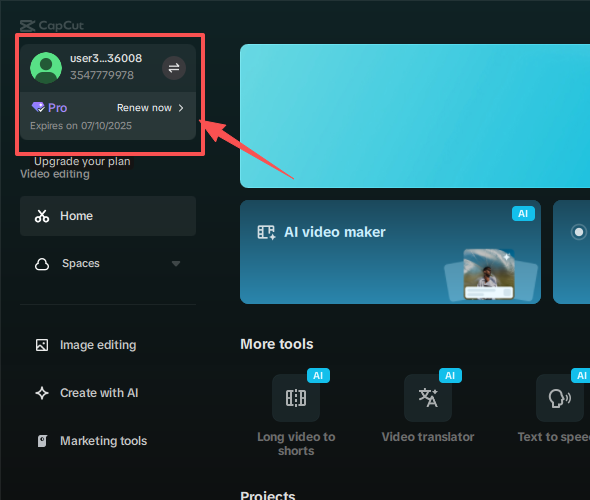
Mobile email login • Desktop QR login • Check Pro subscription status

With CapCut Pro, you can use most premium features without restrictions:
Included: 200 points
Note:
Some exclusive assets, copyrighted music, or advanced AI features
may still require additional credits for single use.
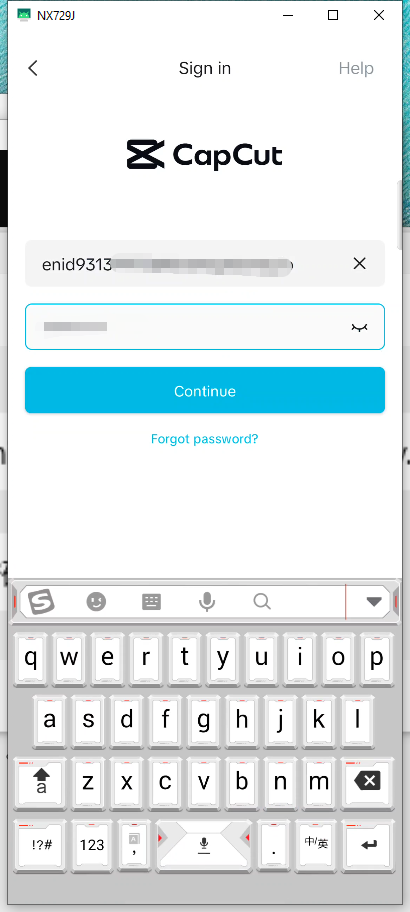
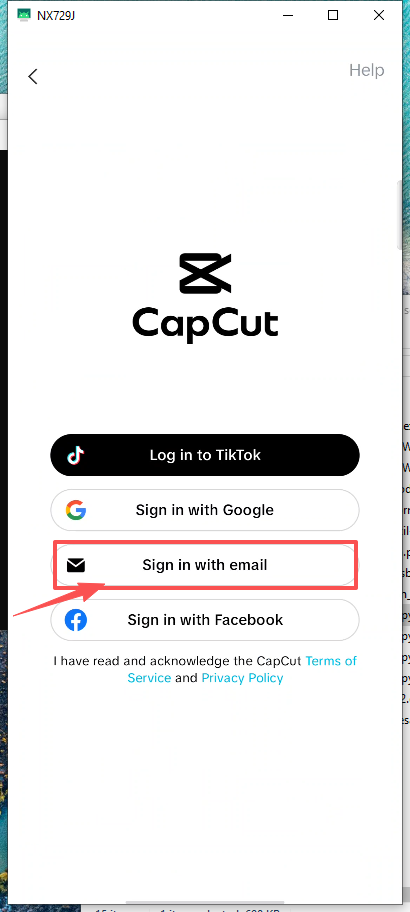
Open the CapCut mobile app and choose Login with Email.
Enter your email address and password, then tap Login.
On CapCut desktop, click Login and select Use QR Code.
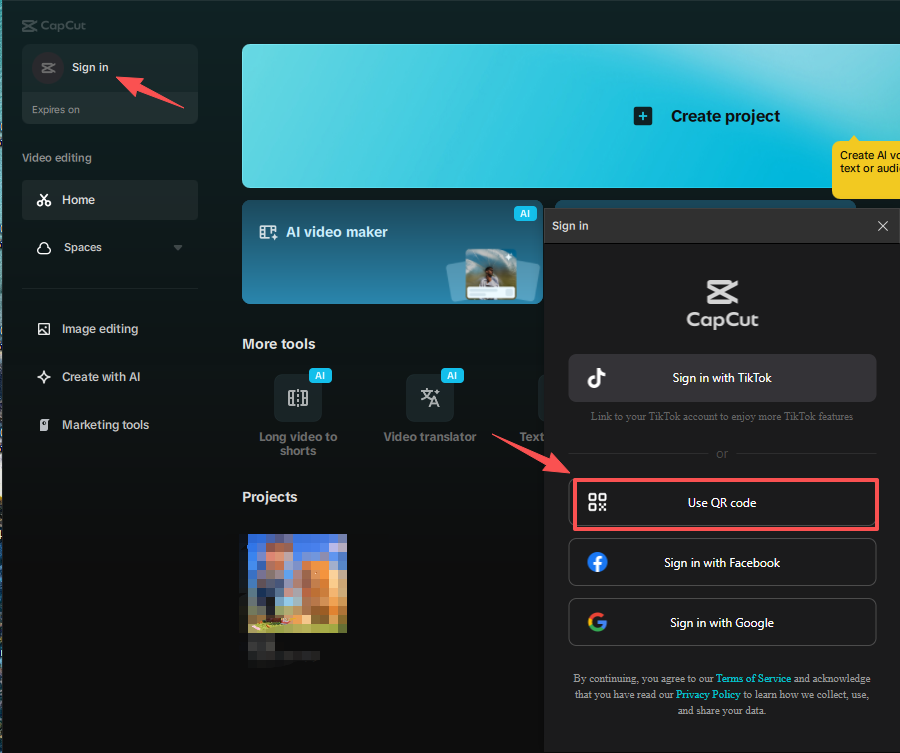
A QR code will appear on your computer screen.
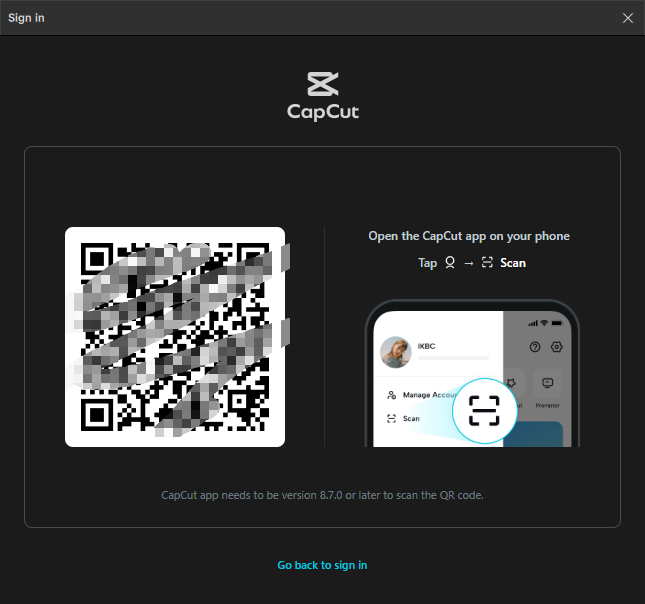
On your mobile app, tap Scan QR Code and scan the screen.
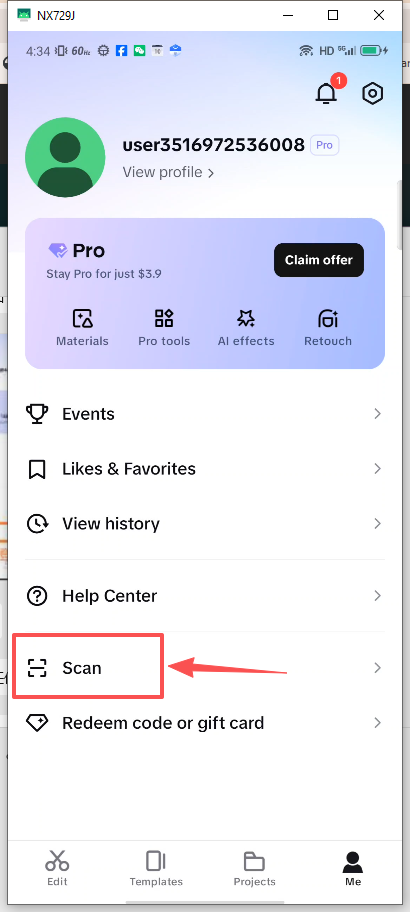
Confirm login on your phone. The desktop app will log in automatically.
On CapCut desktop: