Install Windows via USB
Boot Menu • BIOS / UEFI • Windows Setup
Step-by-step guide to boot from USB and install Windows cleanly
on laptops and desktop computers.


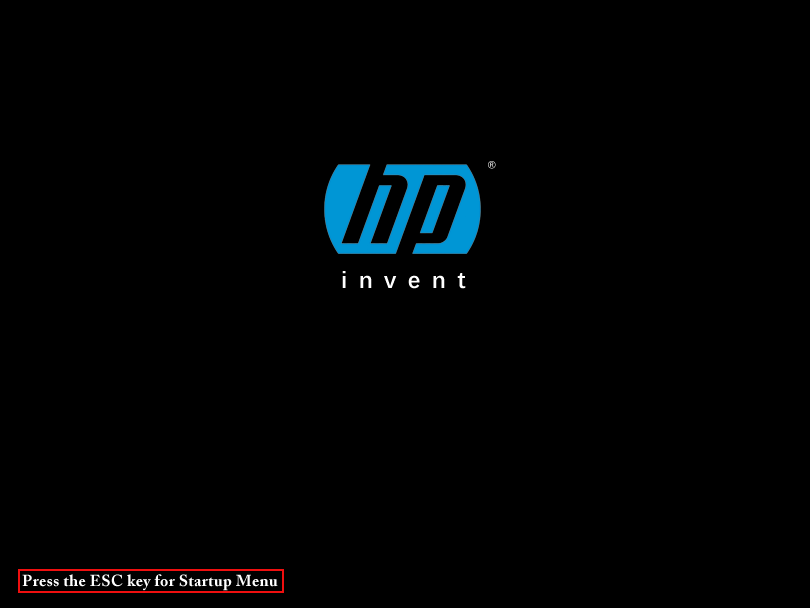
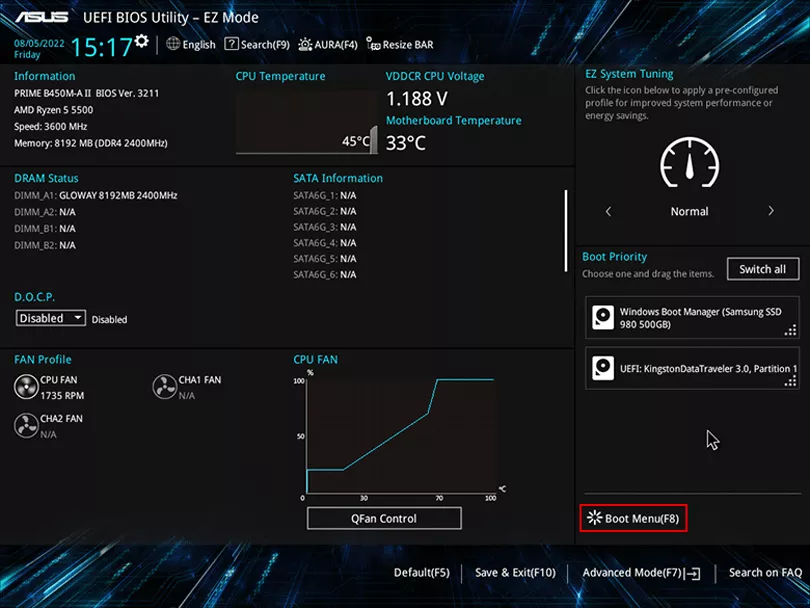
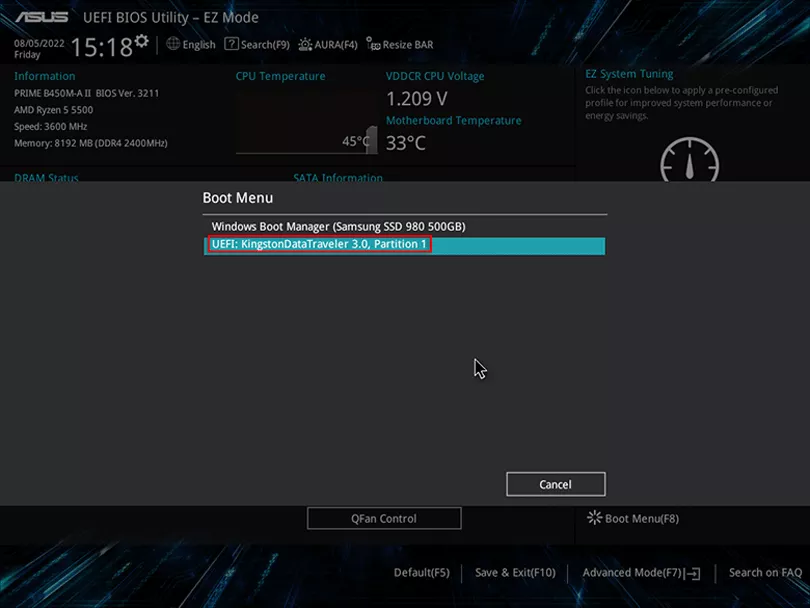
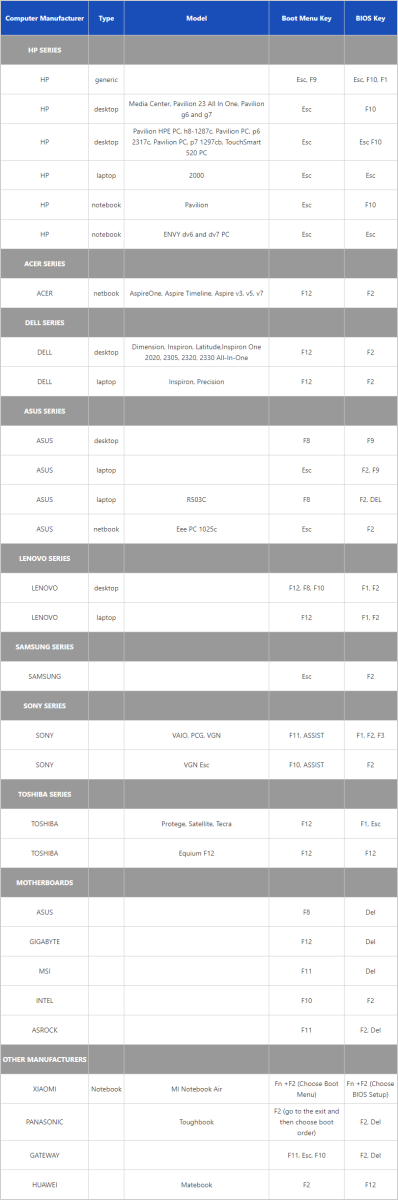
Common keys: F12, Esc, F8

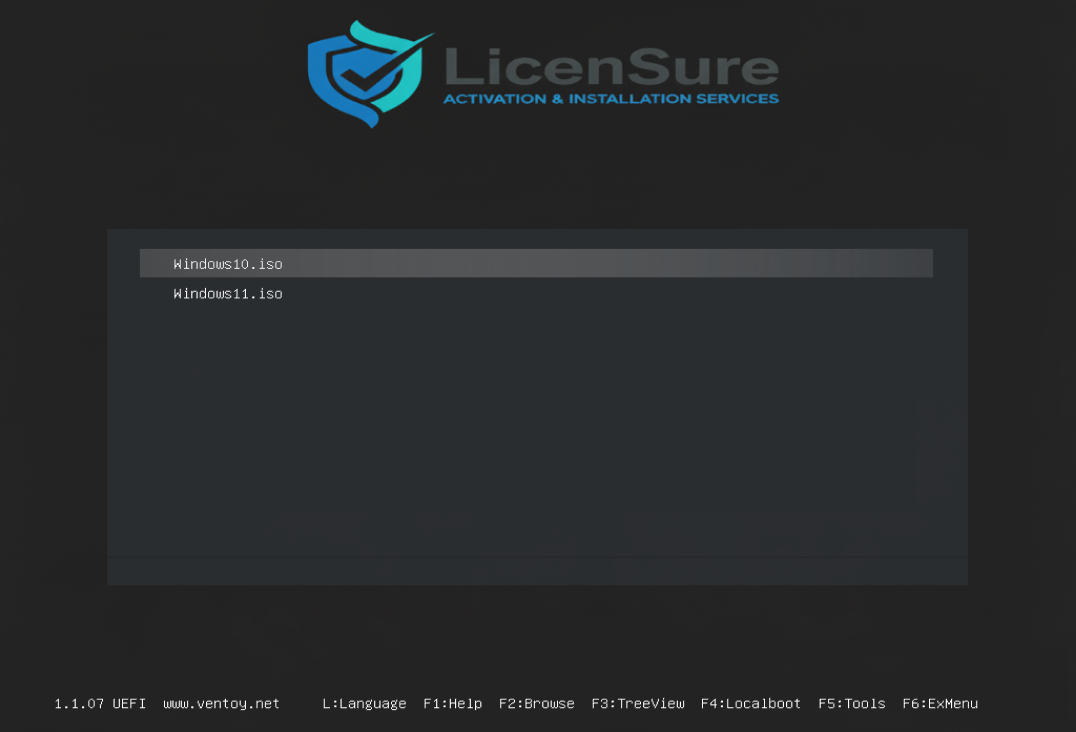
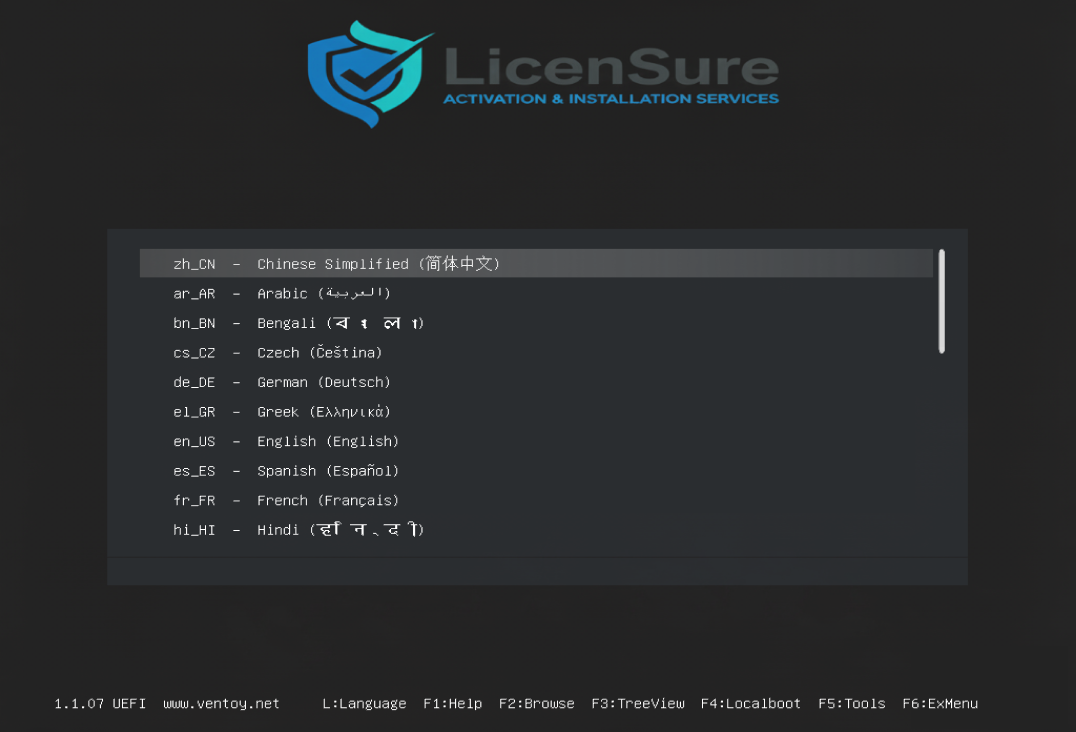
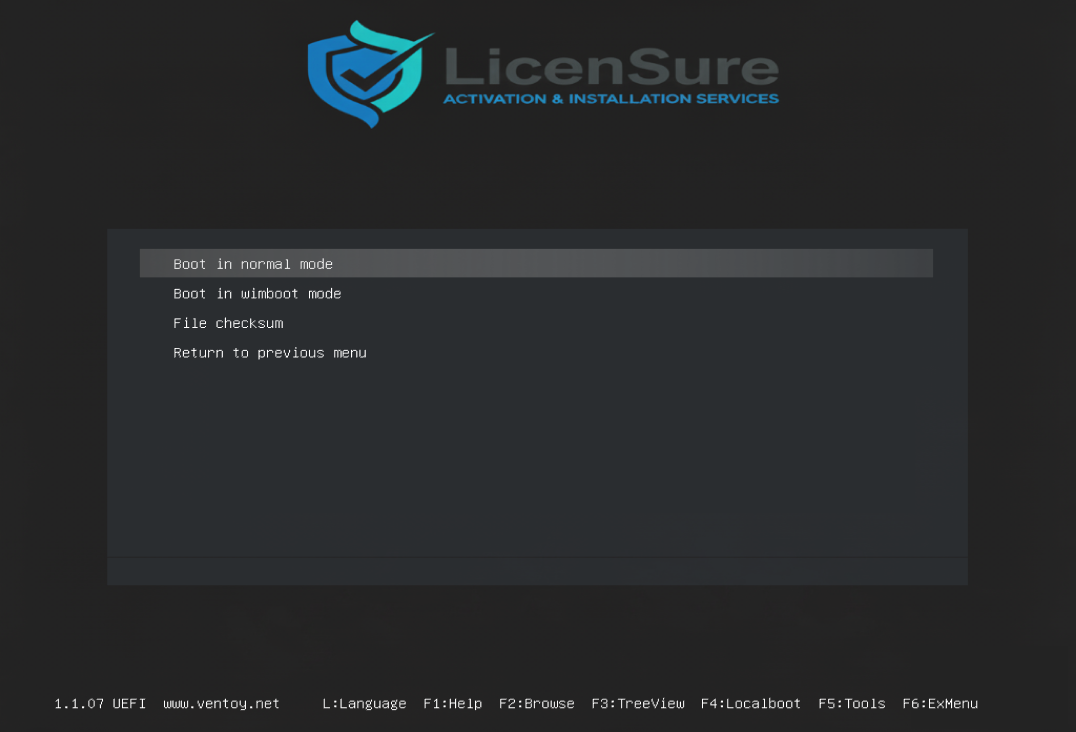
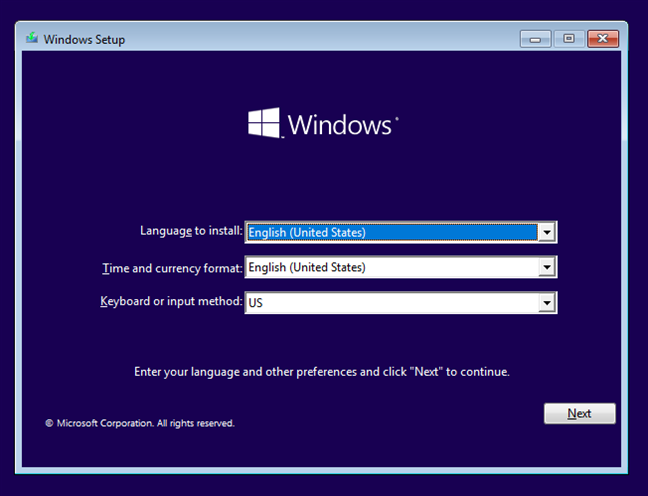
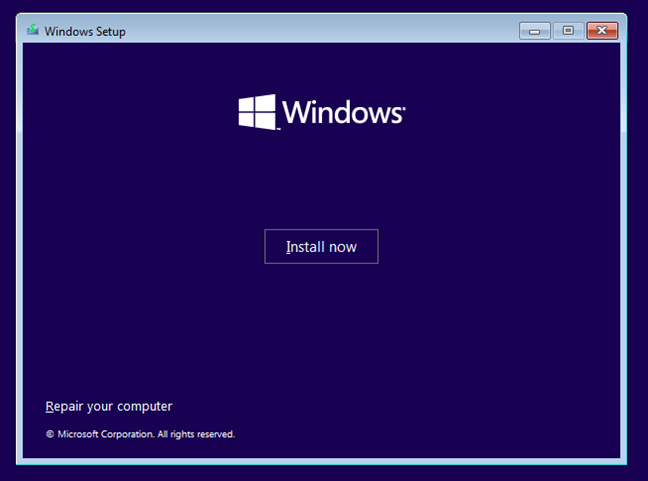
After booting from USB:
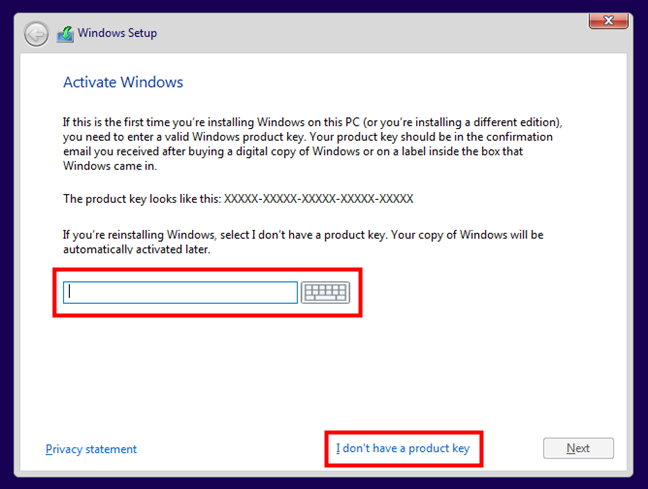
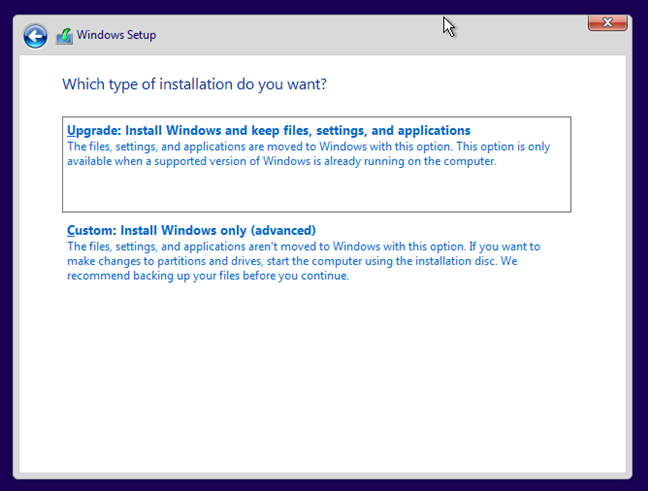
On the disk selection screen:
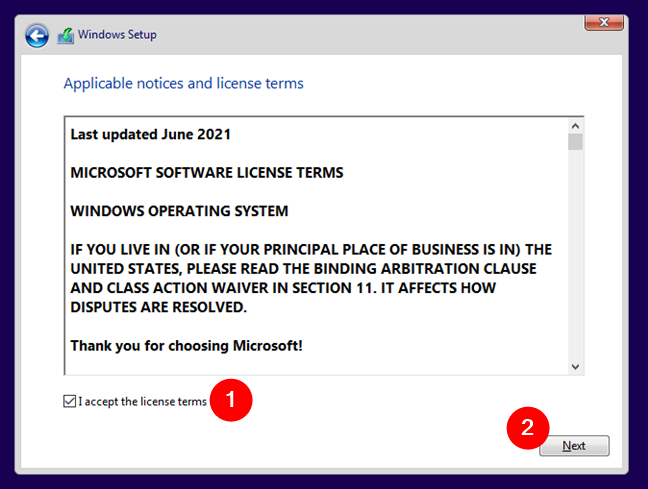
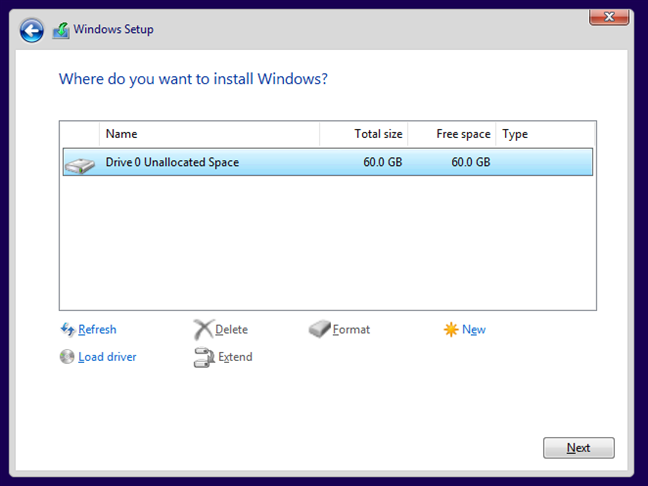
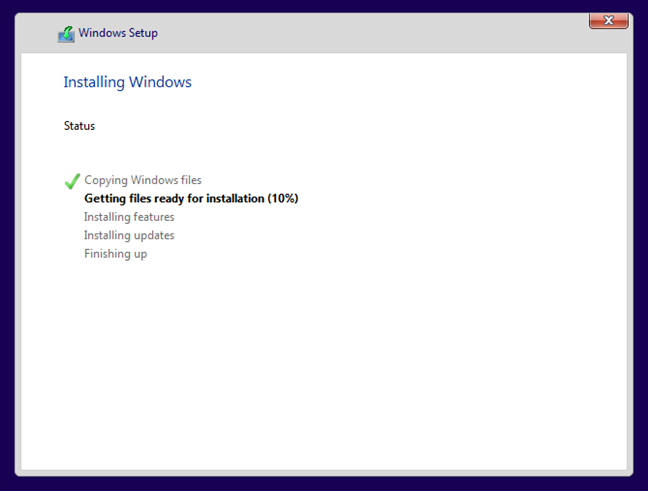
Windows will now copy files and restart automatically.
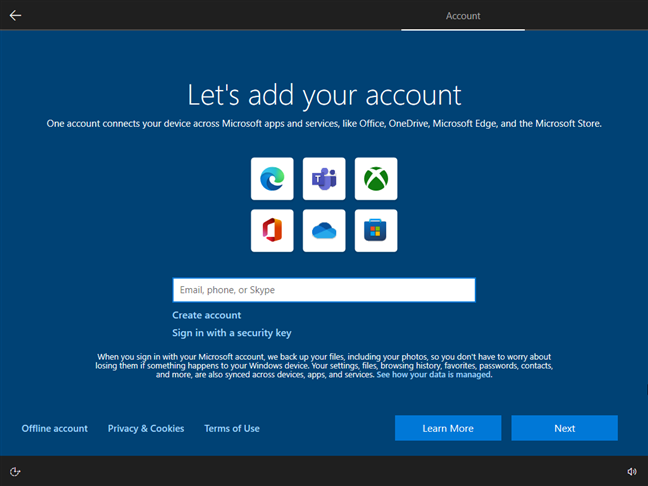
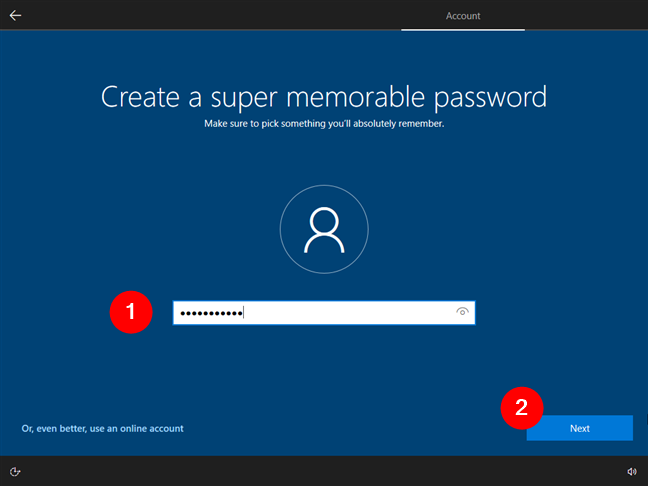
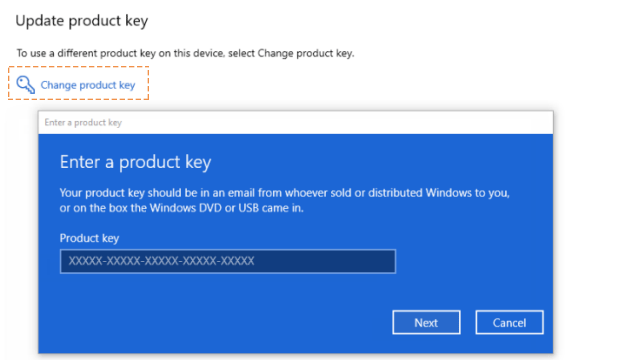
Go to:
Settings → Update & Security → Activation → Change product key
Please contact us via WhatsApp / Shopee / Lazada for assistance.